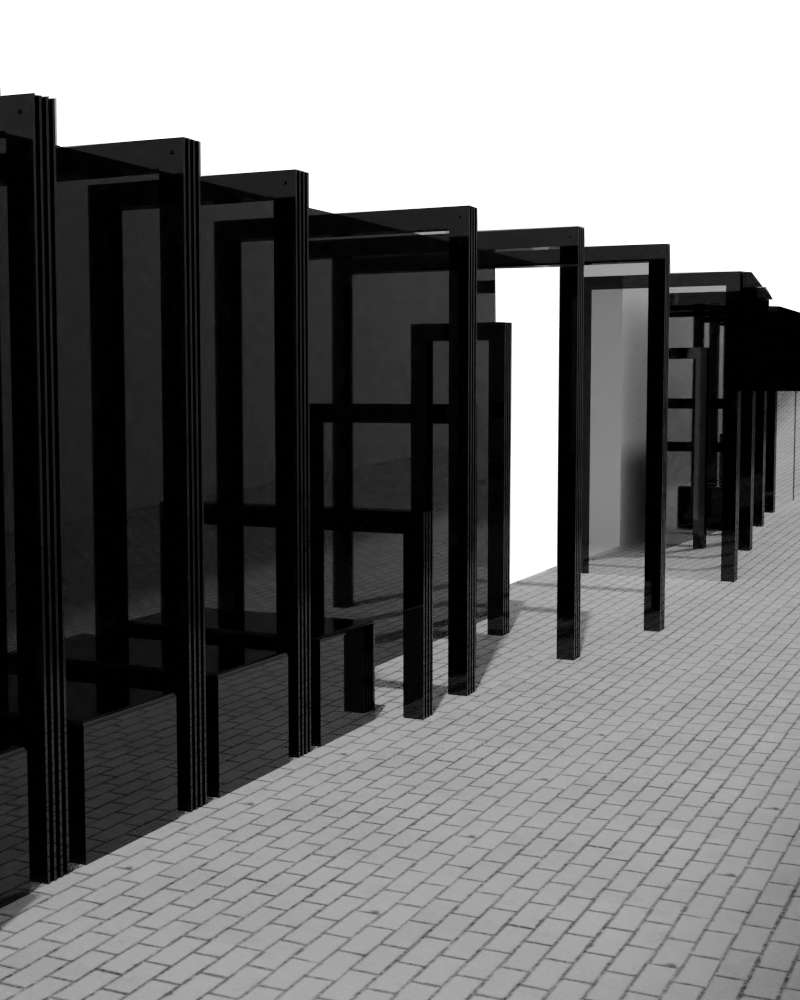
After working on the detailing of the panels I began putting together my presentation for the co-design workshop. I already had my design modelled in Rhino so I thought it would be a case of creating plan and section drawings, rendering some perspectives and getting some process work together to help explain the design journey and concept. I was wrong.
The hardest part of this week was working with the Rhino model. Firstly scaling the model of Fort Lane that was given to us by last years class as there were quite a few parts that were out of scale when I compared to the measurements I had taken at site. Once I had it scaled I started removing any parts of the model I didn’t need to reduce the file size. Unfortunately my laptop did not like this and there were several programme crashes. Eventually, after spending much more time on this than it should have taken (but unable to give up halfway) I was able to get the exisiting model down to something workable for me to add my design into. My design was already modelled in a different file so I copied it across and scaled the model of Fort Lane to match. In hindsight I would have made a new model of Fort Lane myself but apparently I like to make things difficult for myself, nevertheless I got it done.
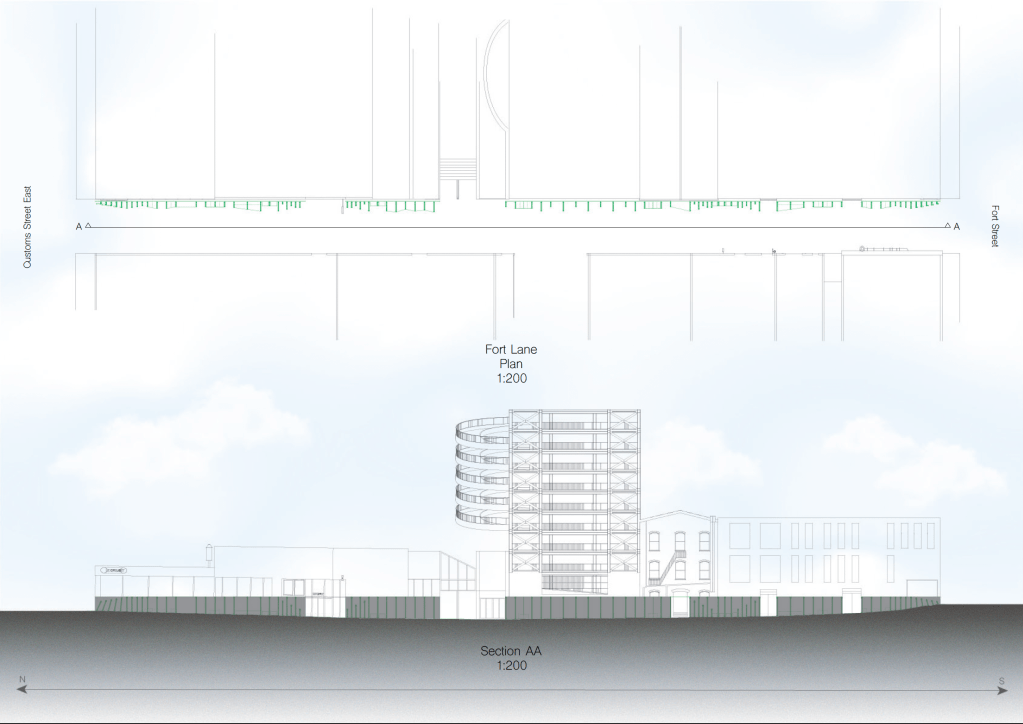
The next issue I encountered was generating a 2D line drawing in Rhino. Usually the Make2D tool is a super easy way to generate line drawings for plans and sections but unfortunately this time Rhino was being difficult to work with again crashing several times. It got to the point that every time I tried to move the mouse it would freeze for a few minutes and my frustration was at an all time high. After an eternity of trying I managed to get what I needed, although done in several individual files. I then put them in Illustrator to combine the different sections of line drawings for my plans and sections before moving to Photoshop to finish them up. Again, hindsight, definitely could have done them differently but at the time I was too involved to think of any alternatives.
Once all the modelling was done I moved onto rendering. The file of the exisiting buildings in Fort Lane was too large for my laptop to open in Blender so I had to work a bit differently. I modelled two plain walls to act as the exisiting buildings and imported this into Blender with my installation design. I then rendered the model like this with simple materials. In rhino I took screen captures using a “rendered” viewport in the same perspective as the blender renders. Taking these into photoshop I combined the two as best I could to give a more detailed backdrop to the installation. Although different to how I would usually render I didn’t mind how these came out, other than being a bit dull and monotone I quite like them
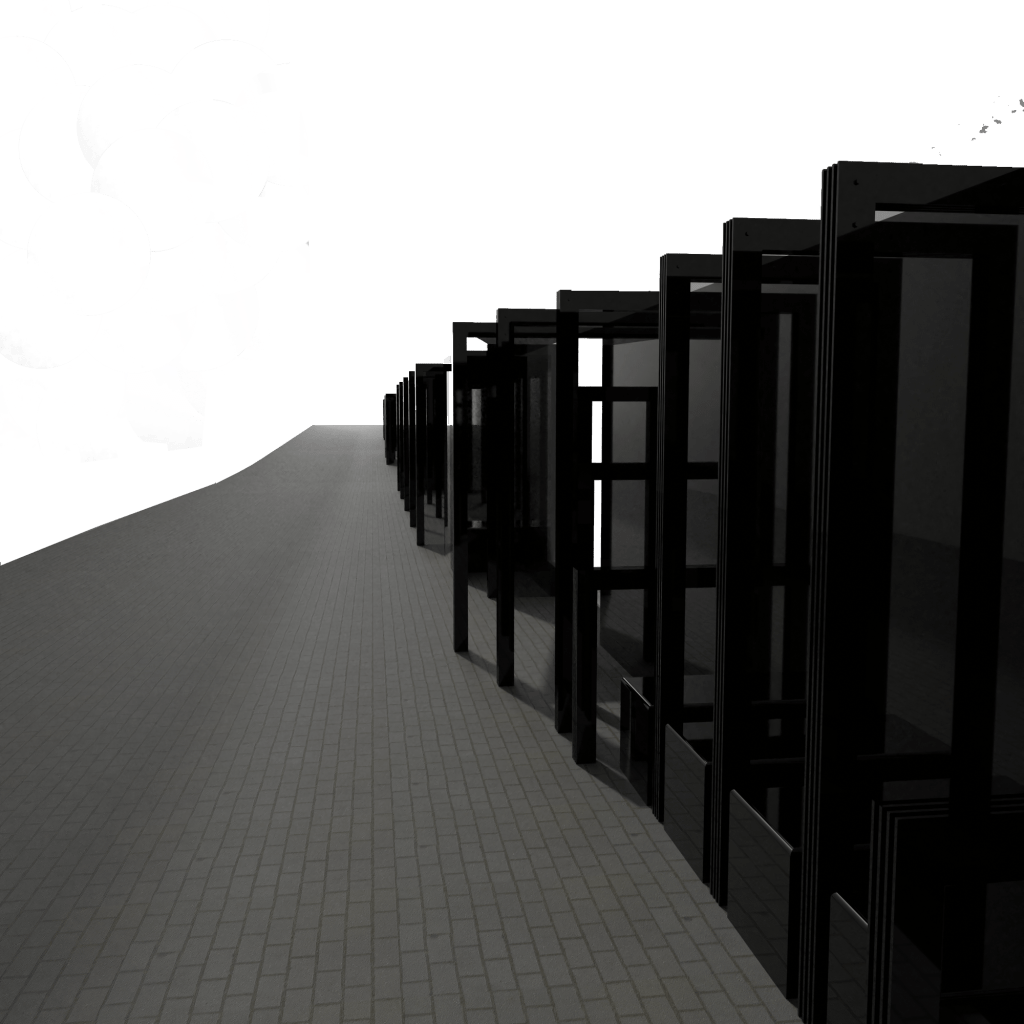
Initial unedited render 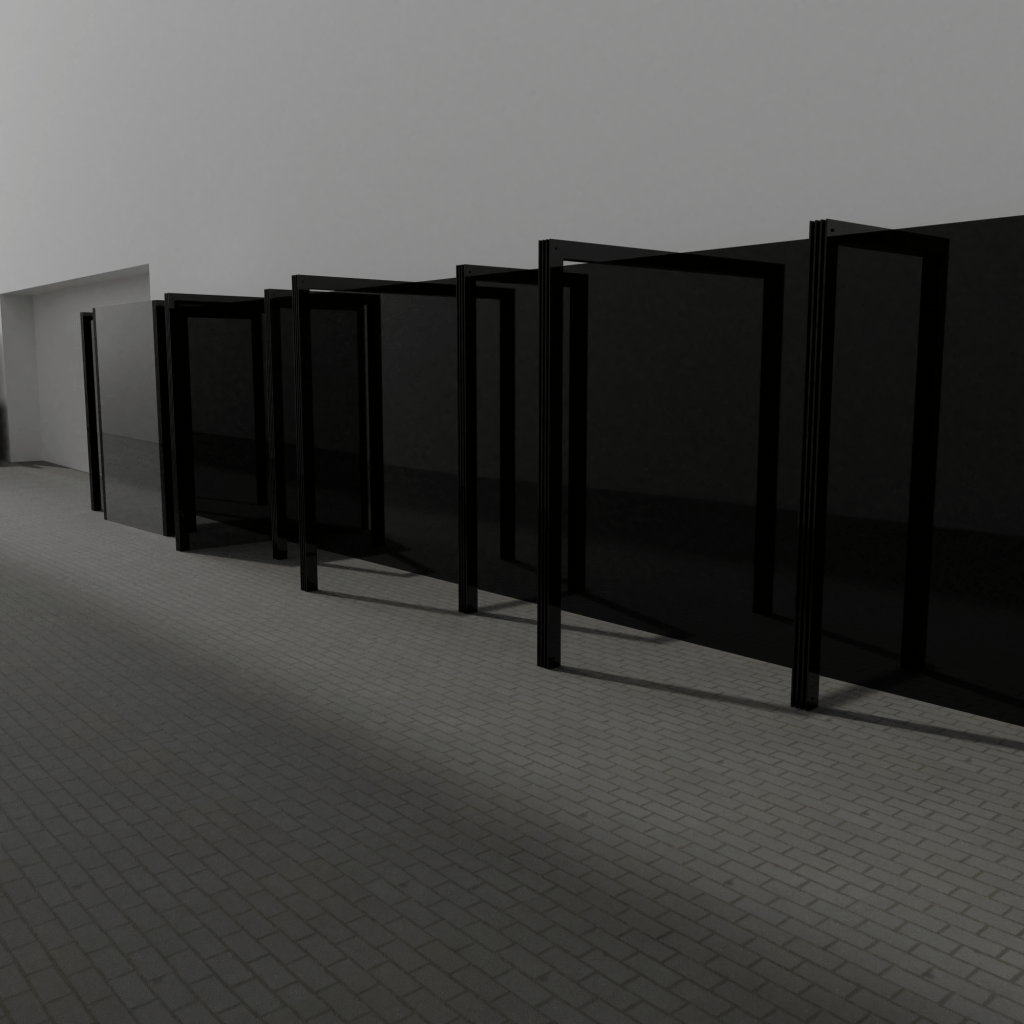
Initial unedited render 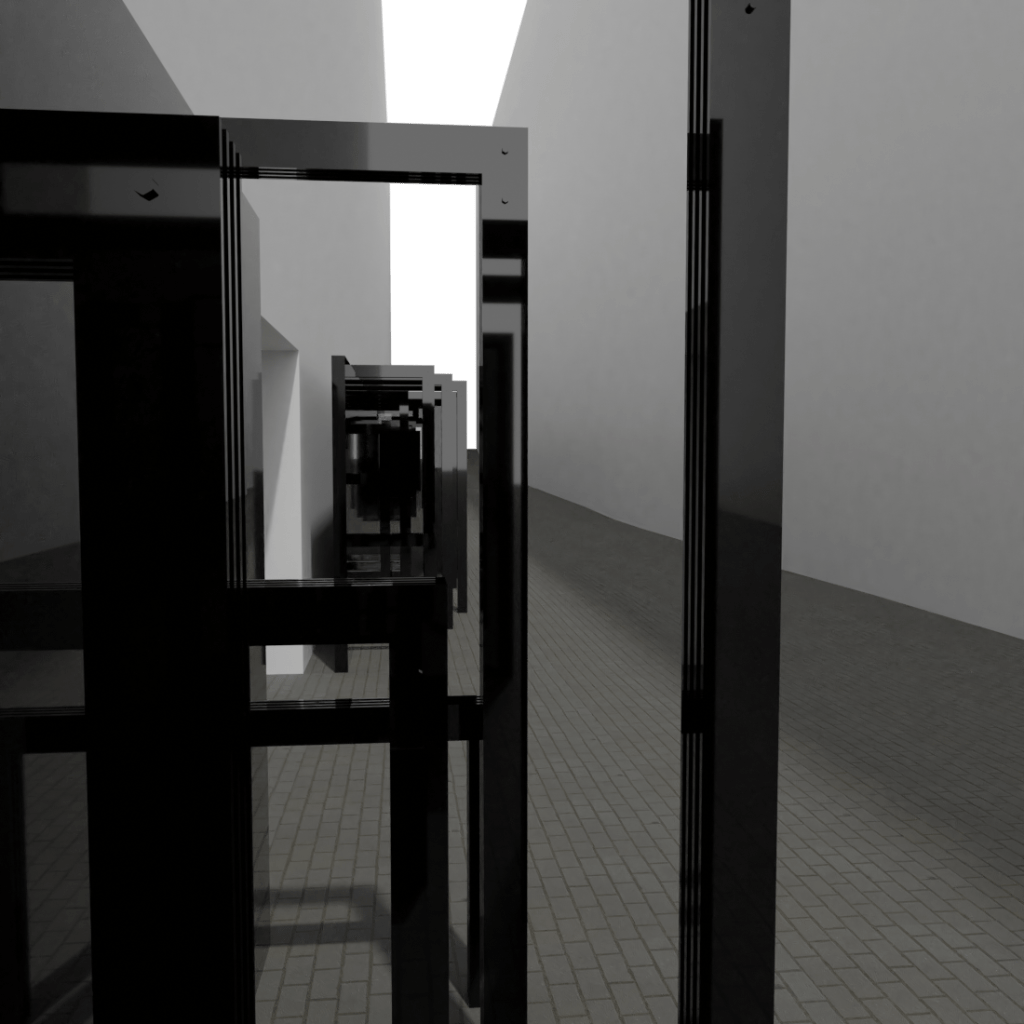
Initial unedited render 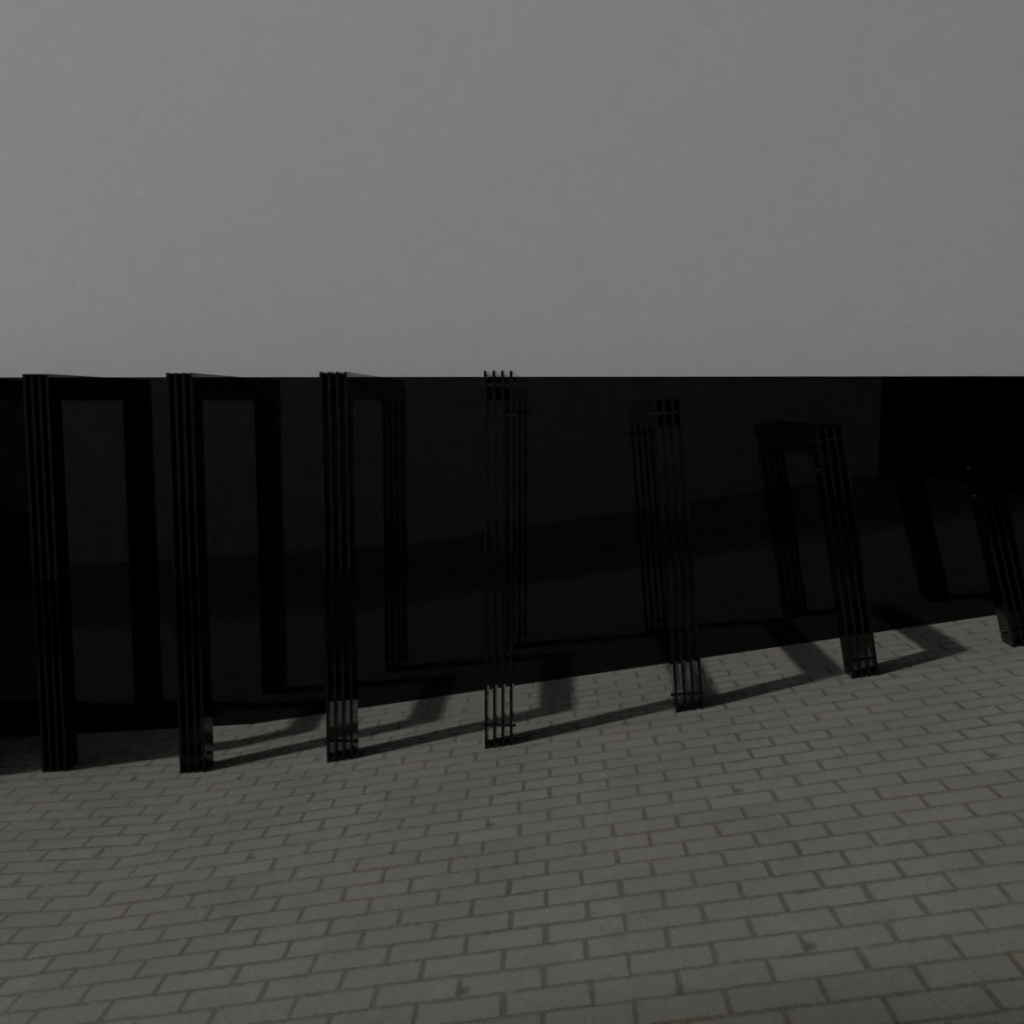
Initial unedited render 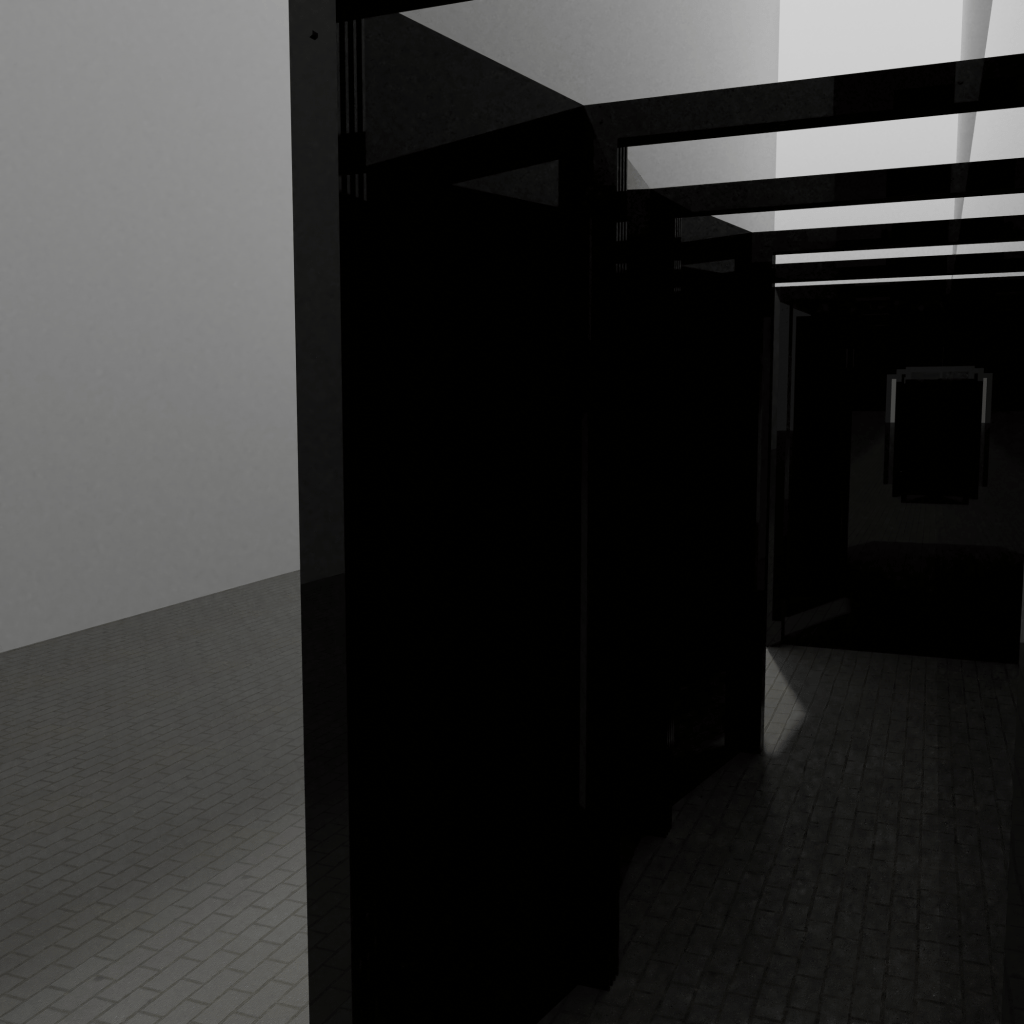
Initial unedited render 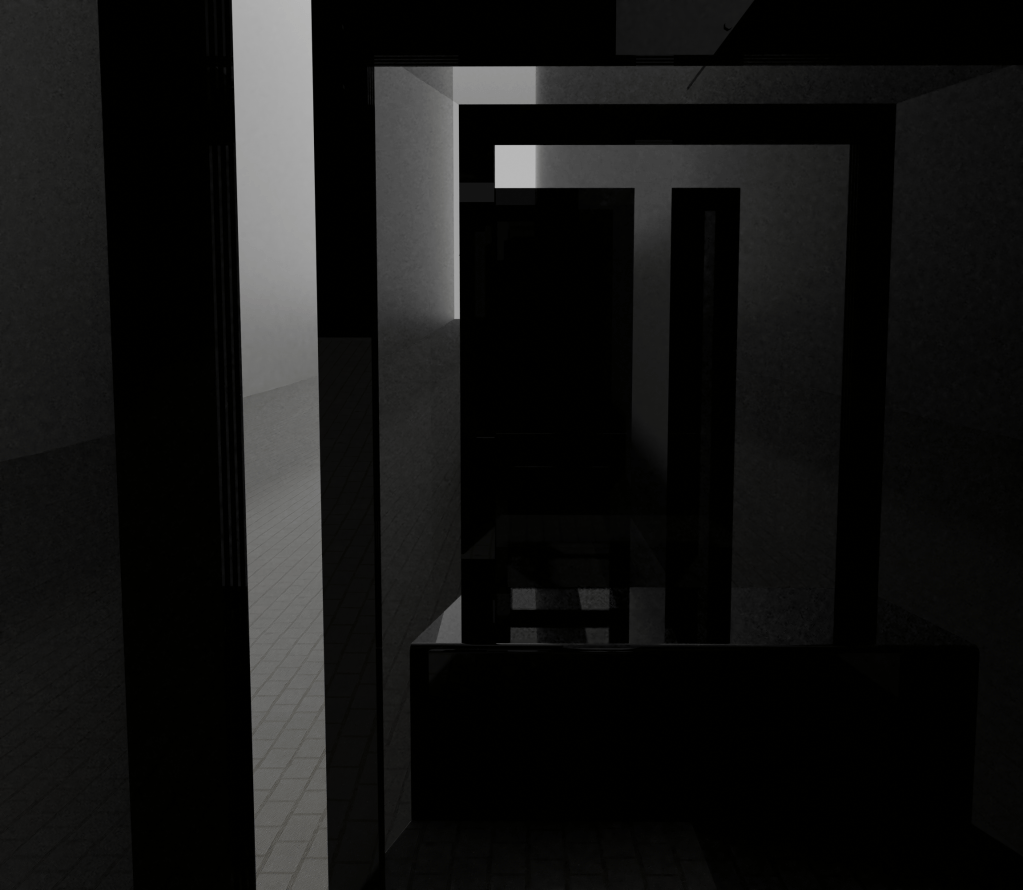
Initial unedited render 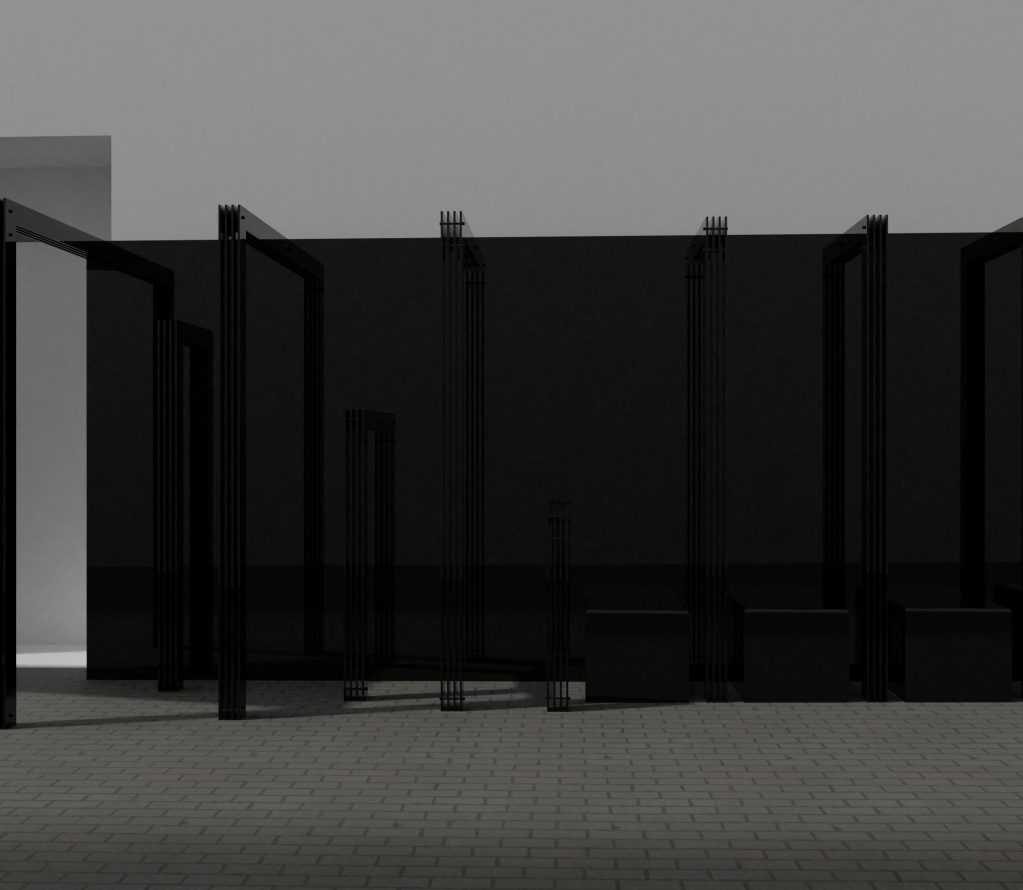
Initial unedited render
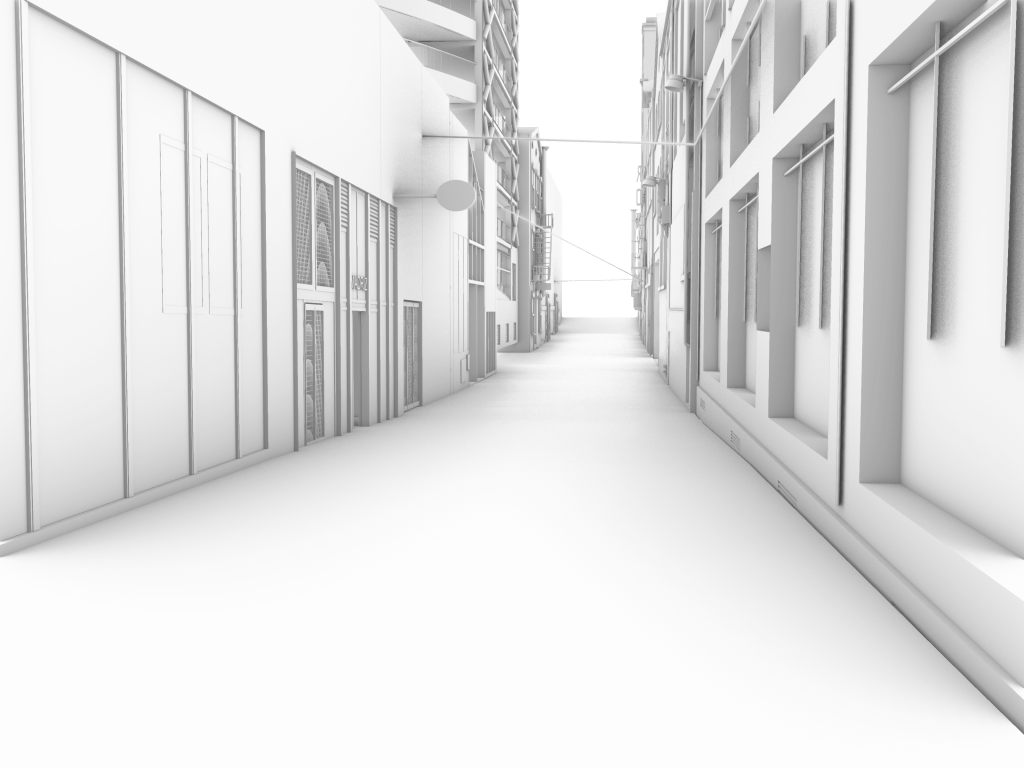
Rhino background for renders 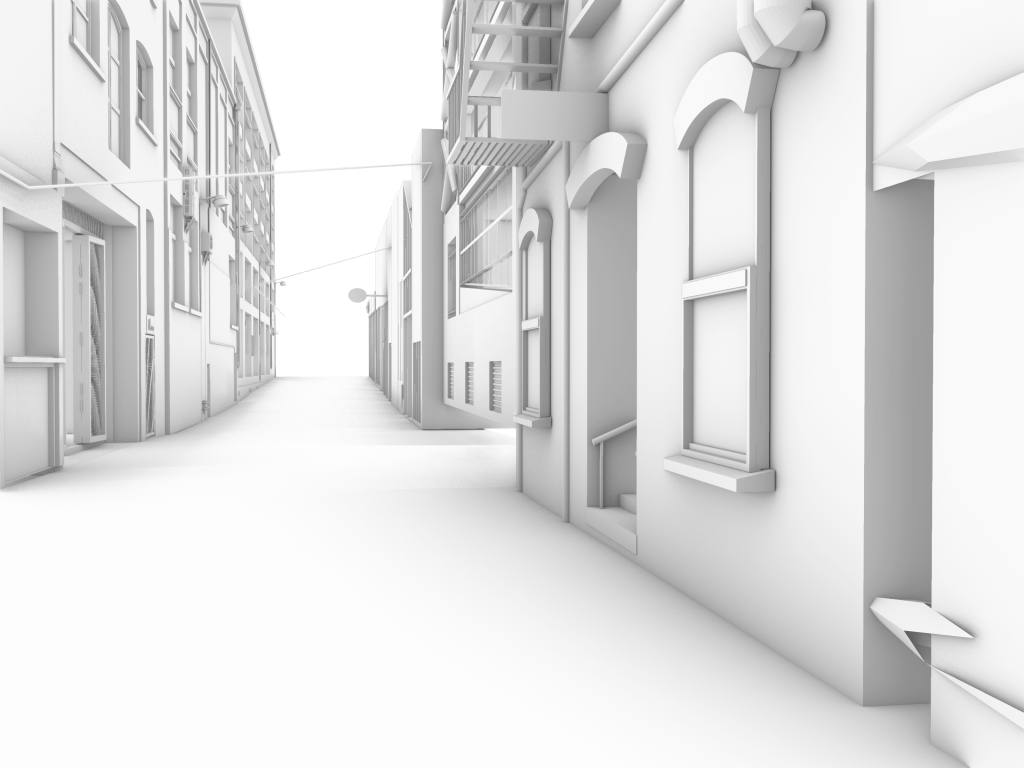
Rhino background for renders 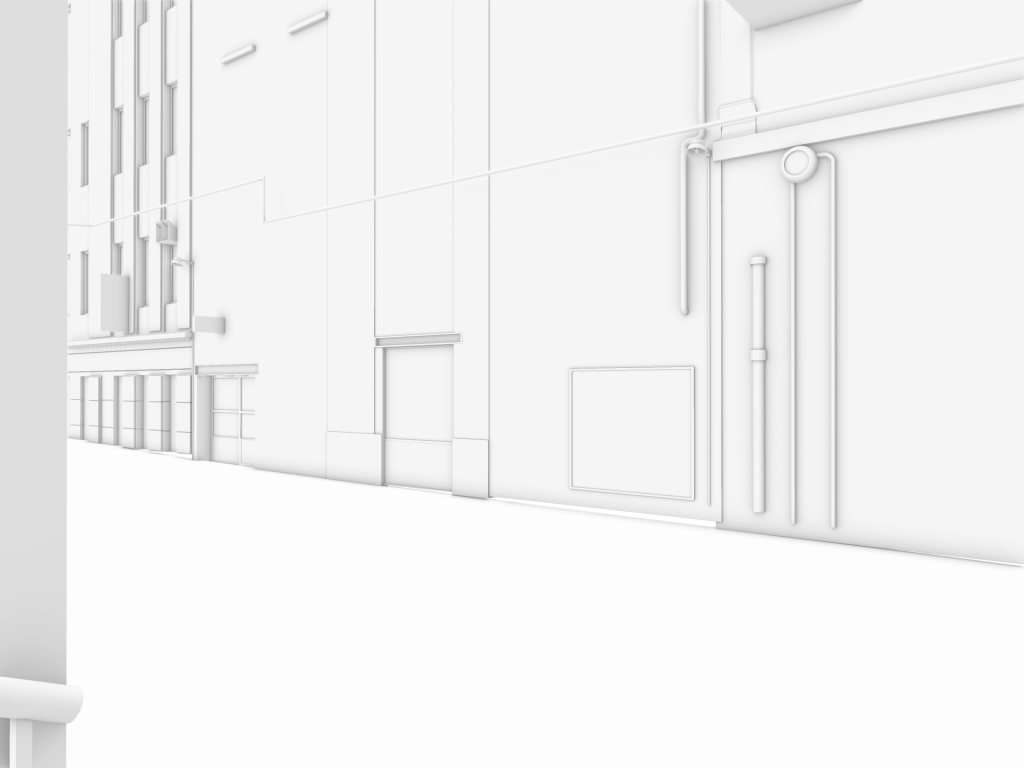
Rhino background for renders 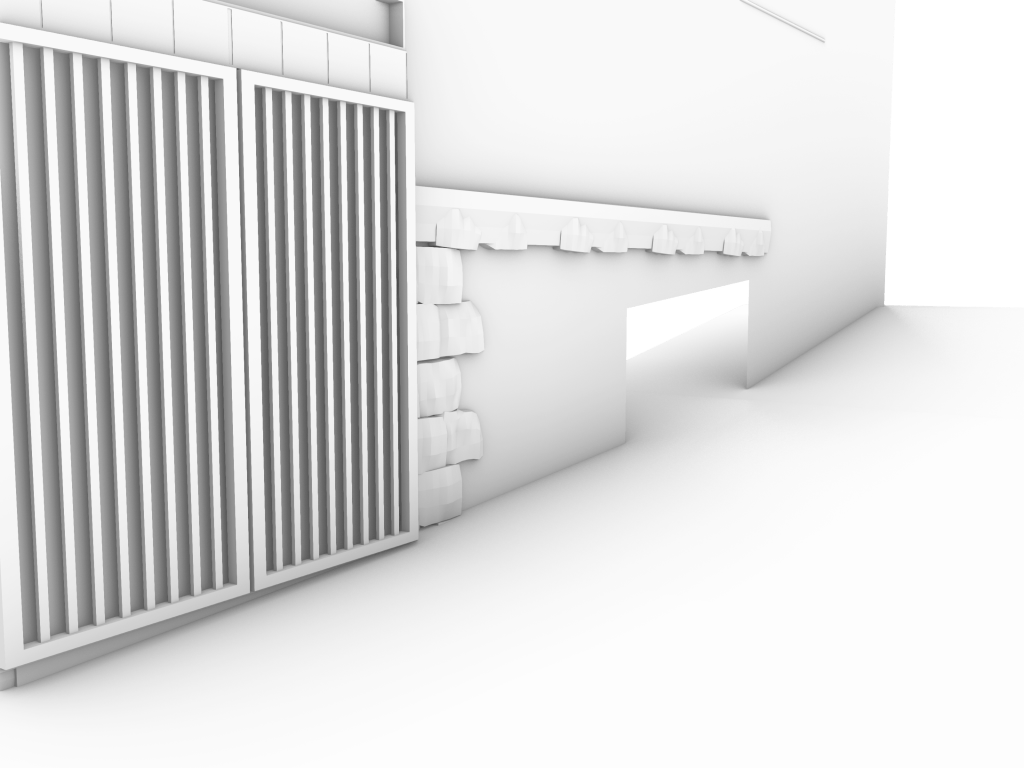
Rhino background for renders
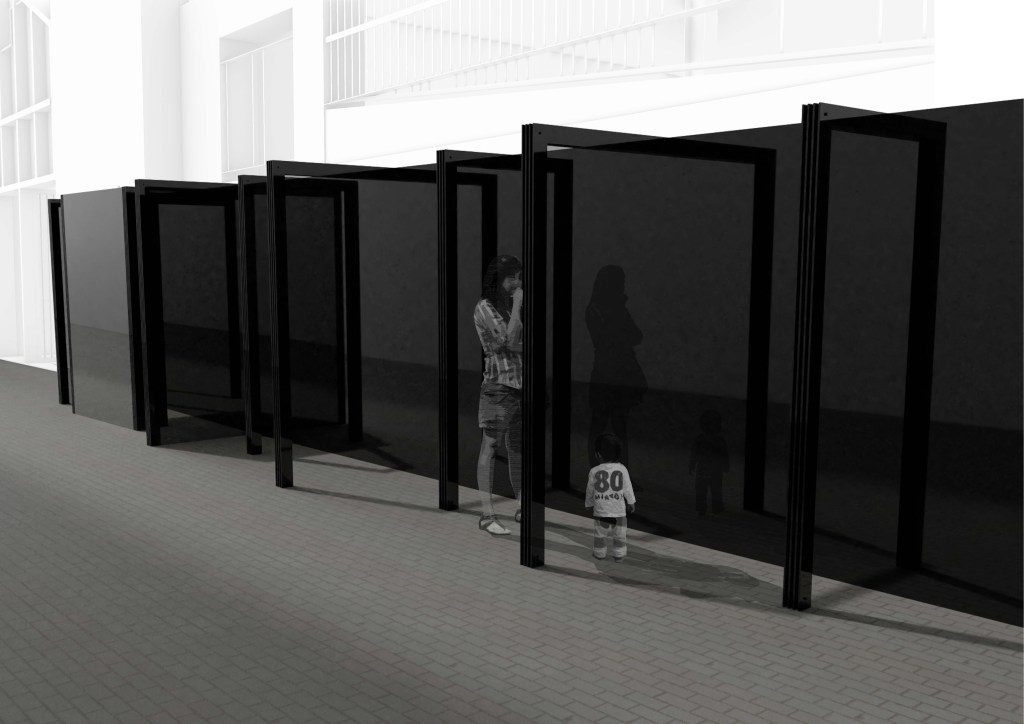
Edited image for presentation 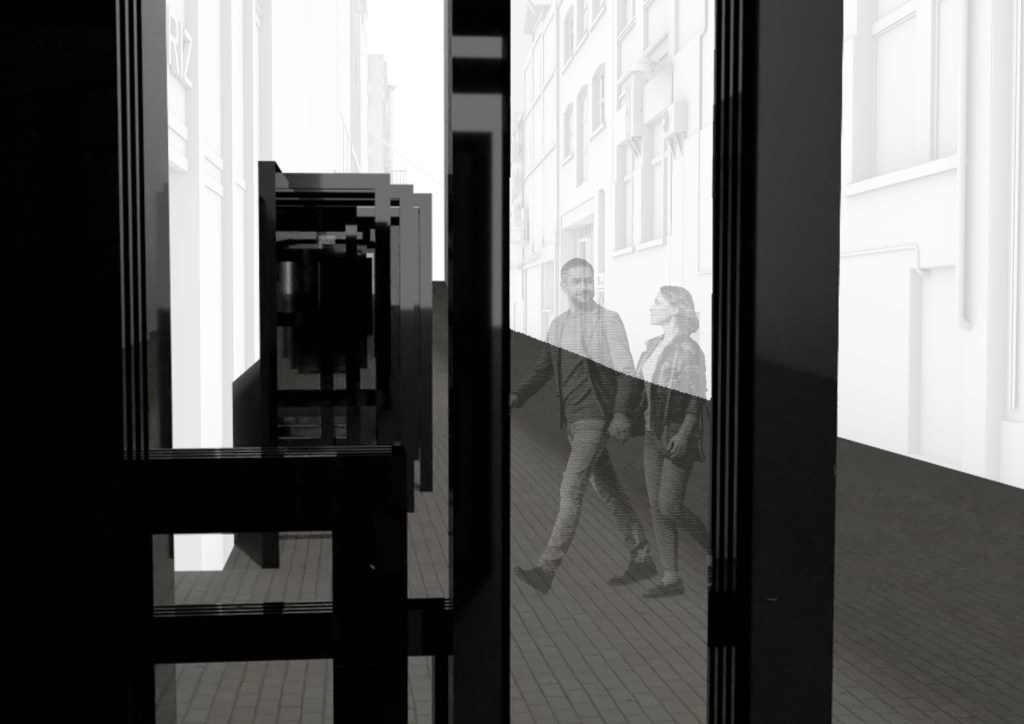
Edited image for presentation 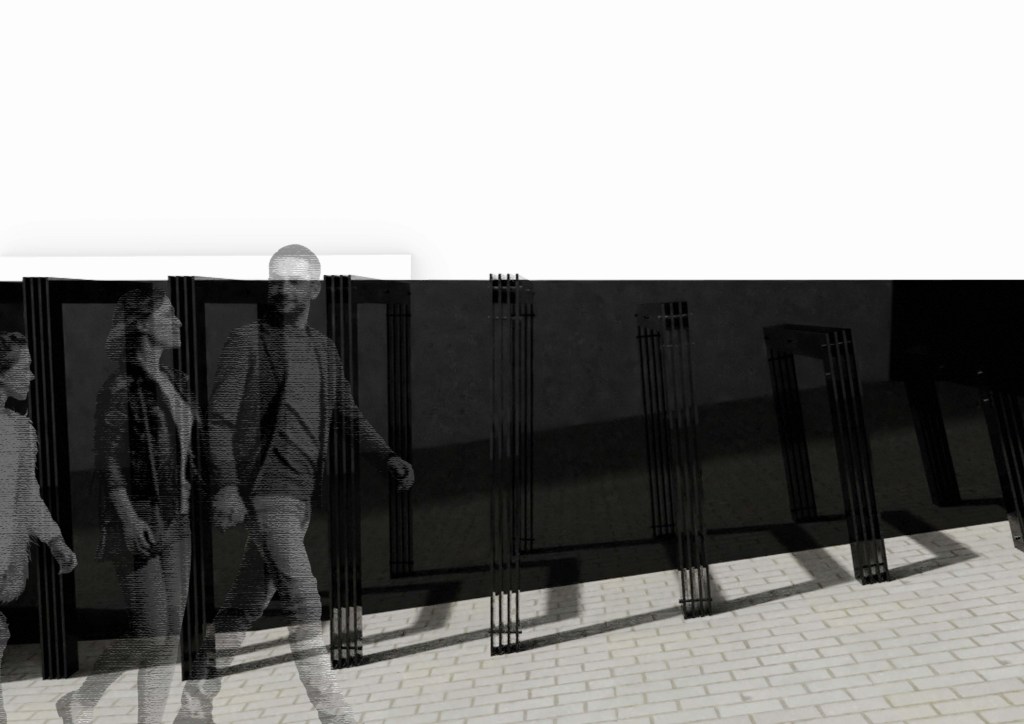
Edited image for presentation 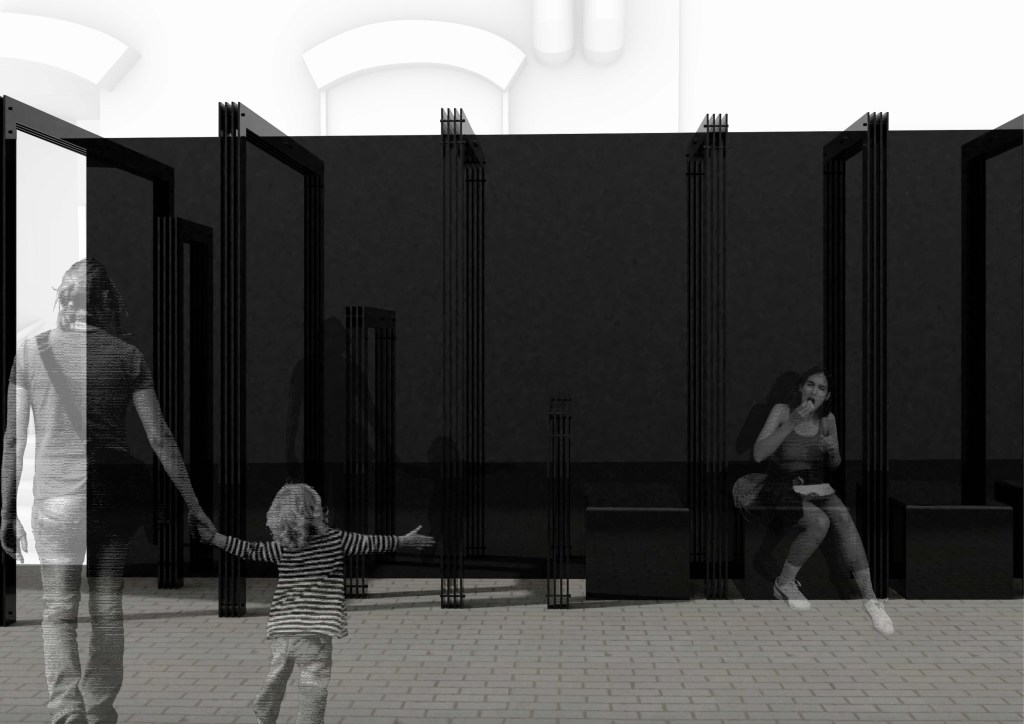
Edited image for presentation 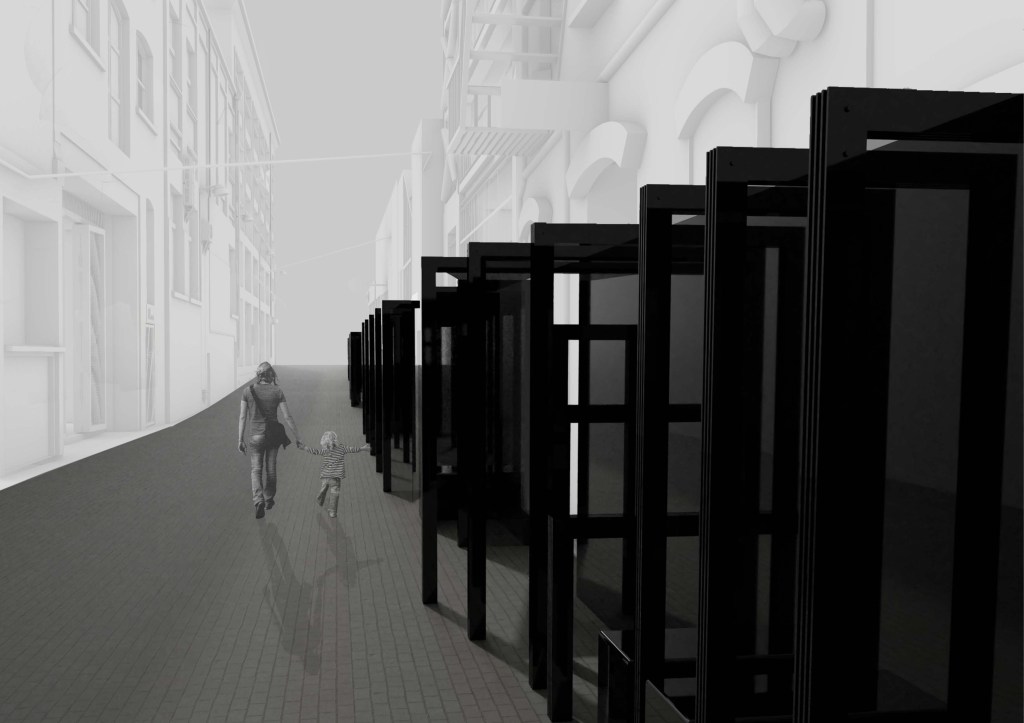
Edited image for presentation
This week was easily the most difficult of this semester so far but thankfully it came together in the end after a lot of perseverance. Every Friday I have a video call with some friends and we take turns to talk over our projects and help each other out with any questions, offering suggestions and just generally complaining about what we have found difficult each week. These calls have been so helpful, not only for the design progress we make but also having the chance to chat to others who are in the same situation and to be able to feel like we are helping each other out. Being able to talk to others, even if not in person, makes such a difference in lockdown so I’m very thankful we were able to do that.
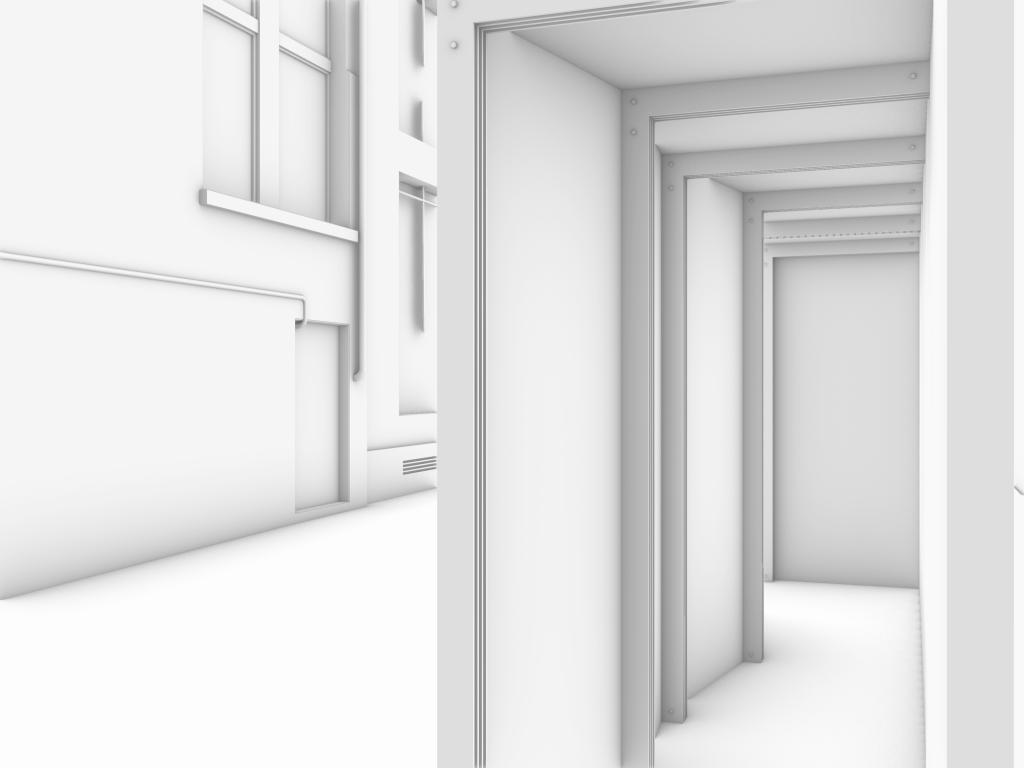
Rhino render – walk through area 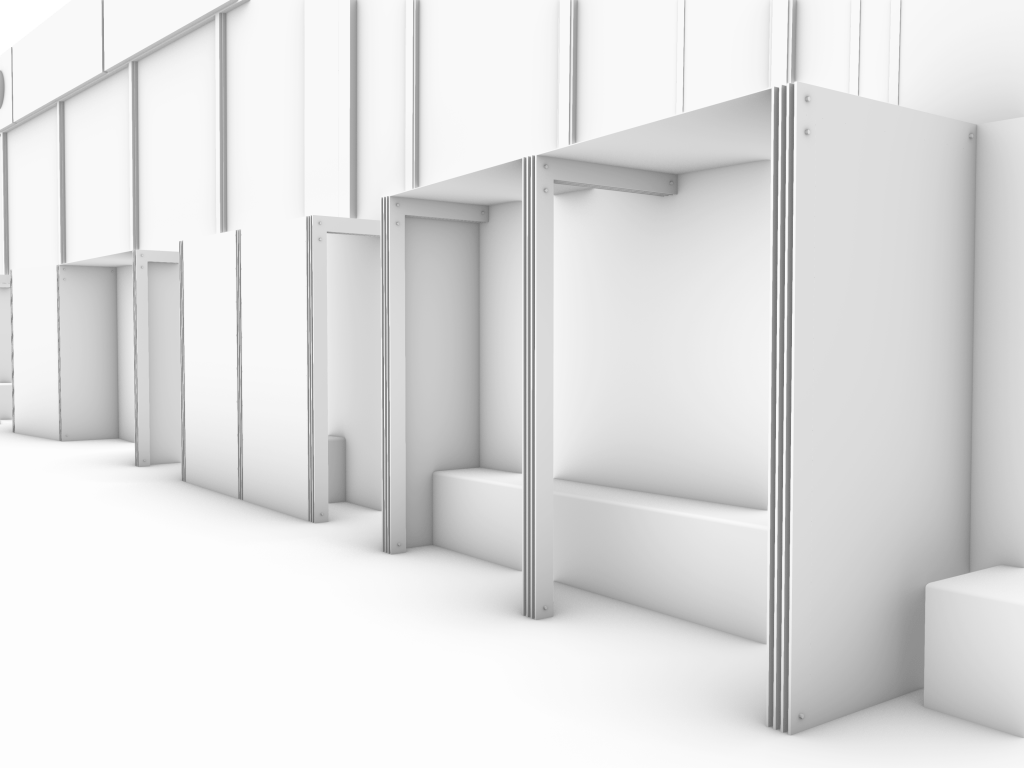
Rhino render – seating 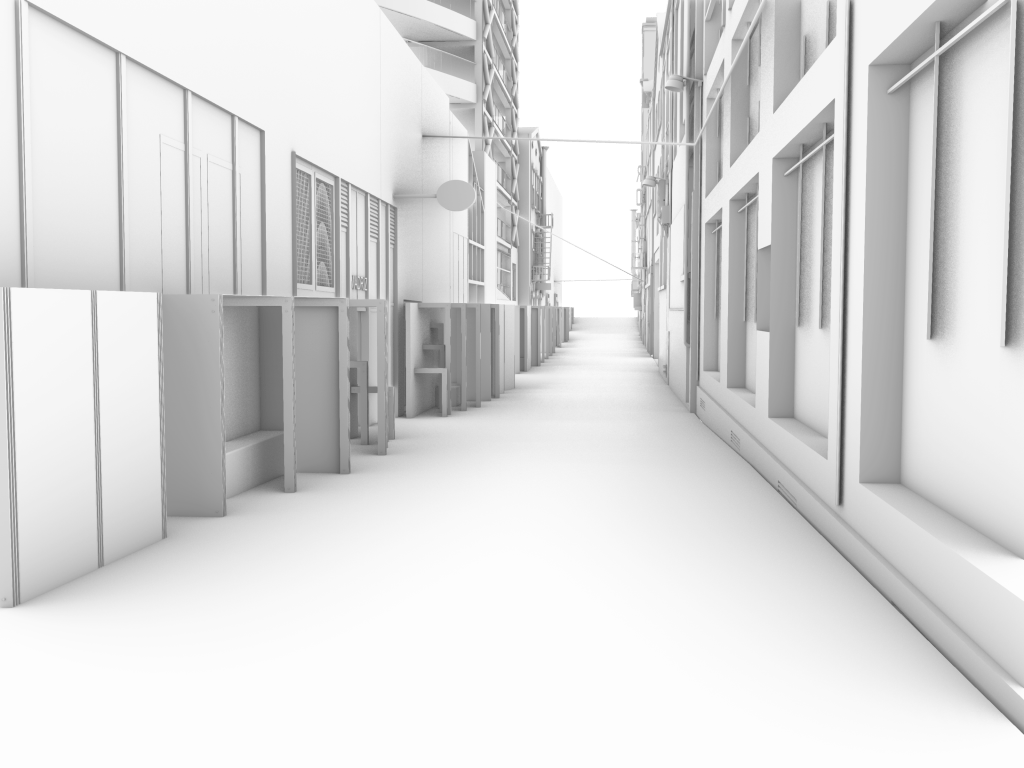
Rhino render – full lane 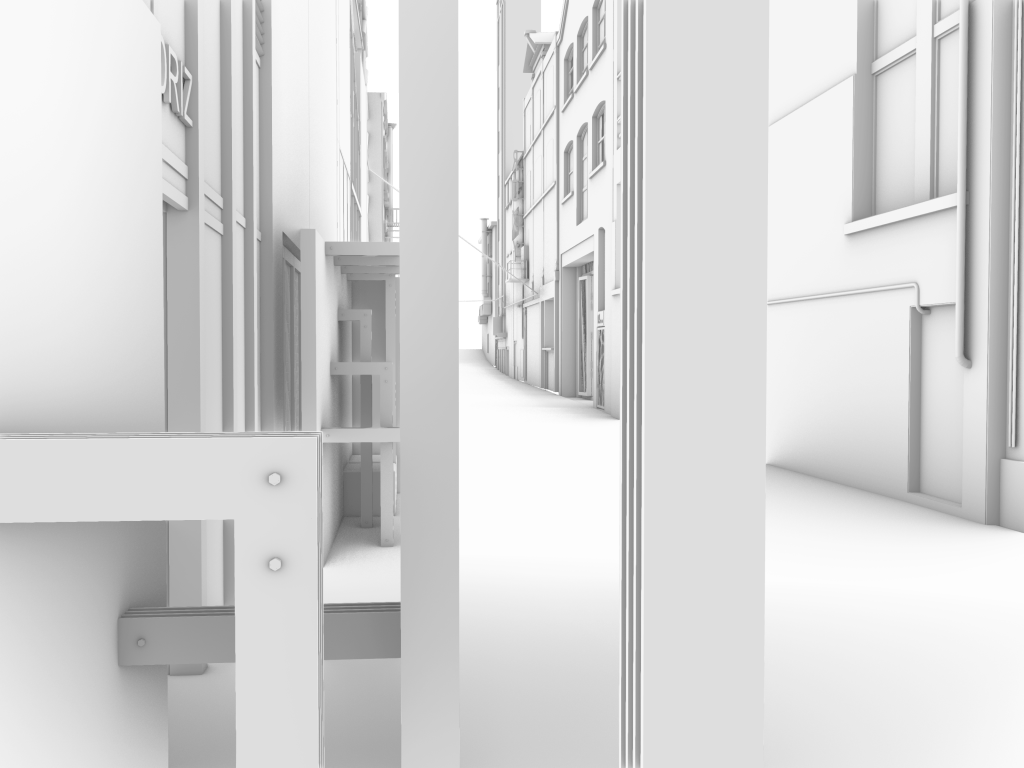
Rhino render 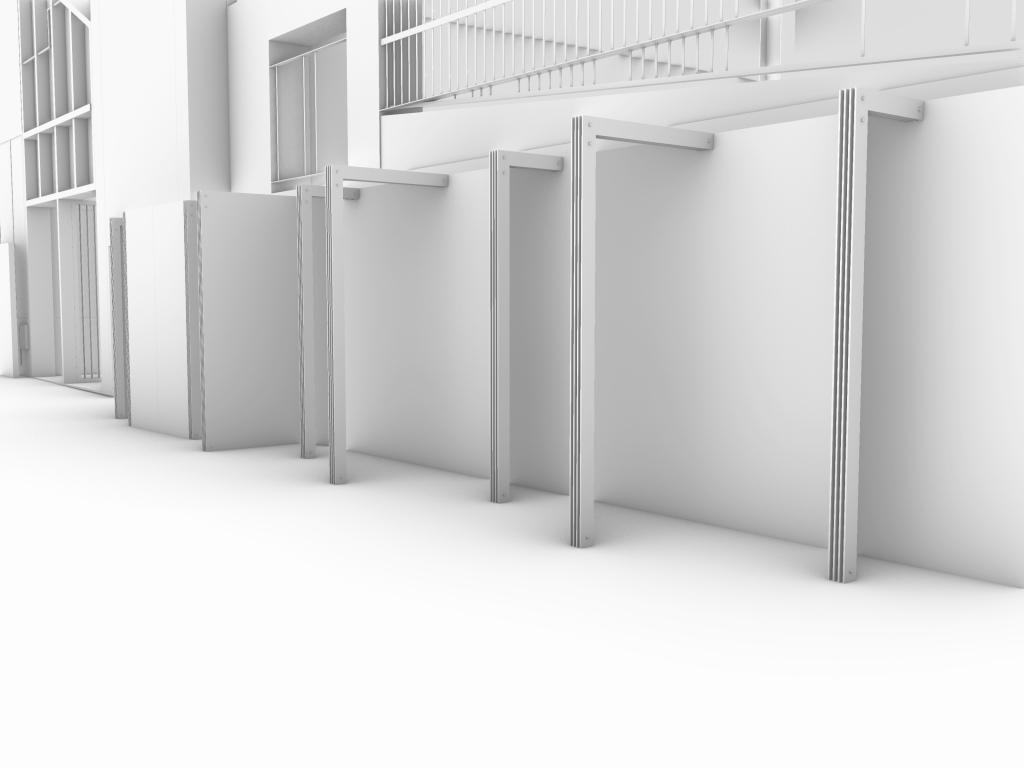
Rhino render 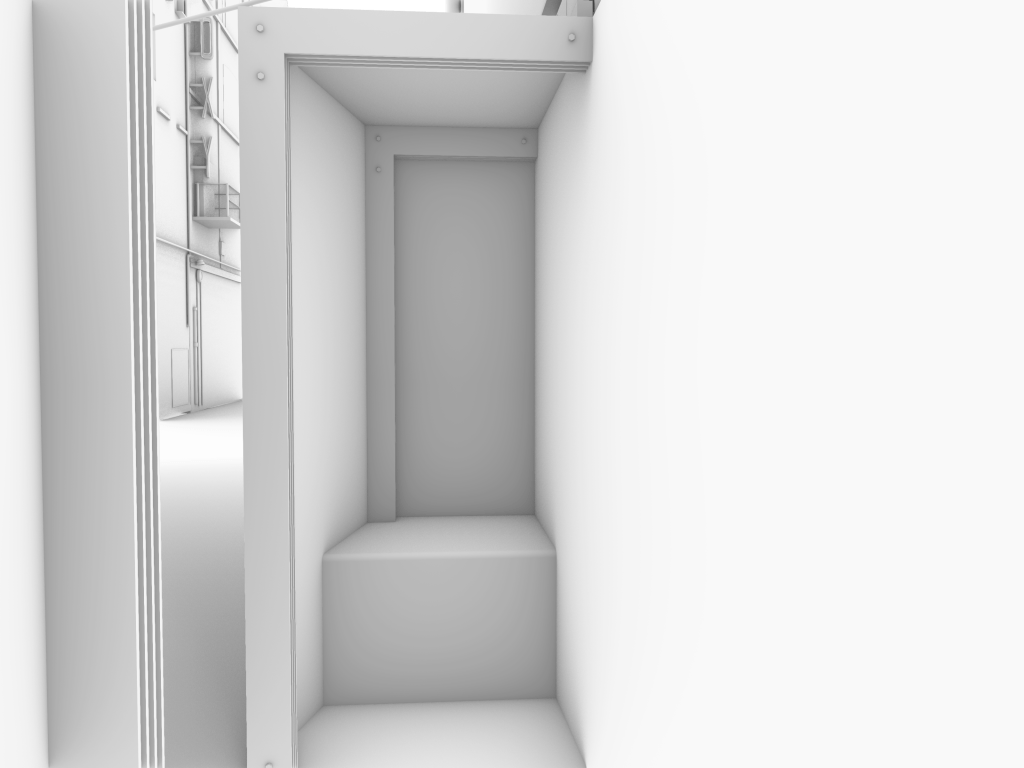
Rhino render – seating 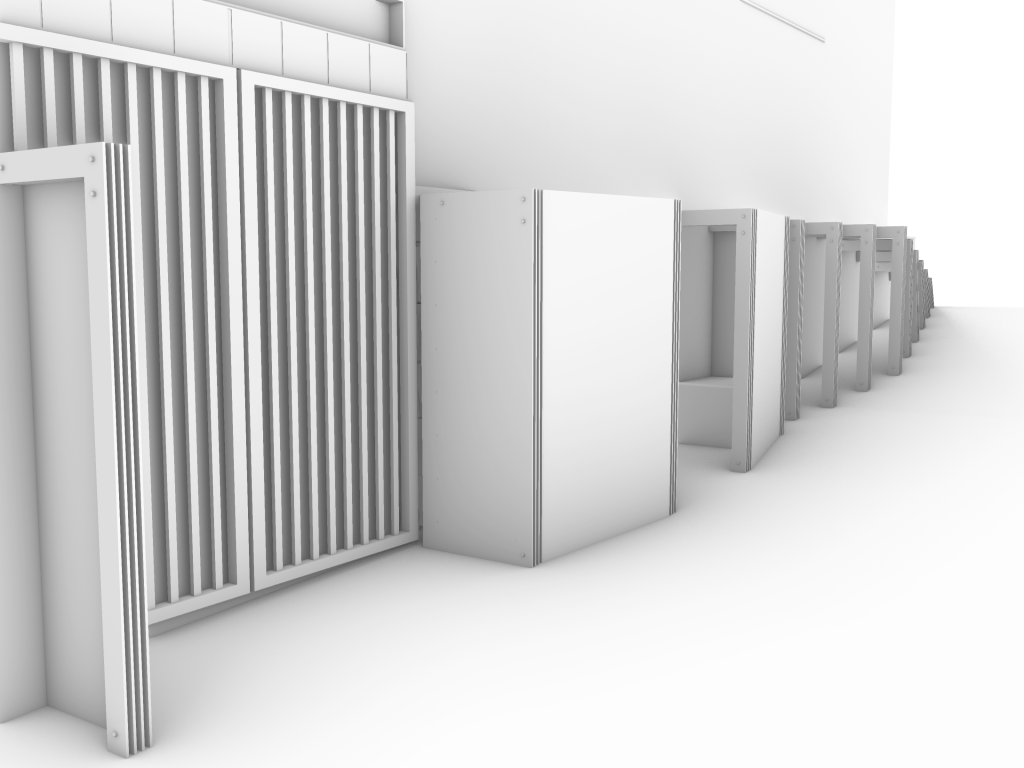
Rhino render – existing doorway 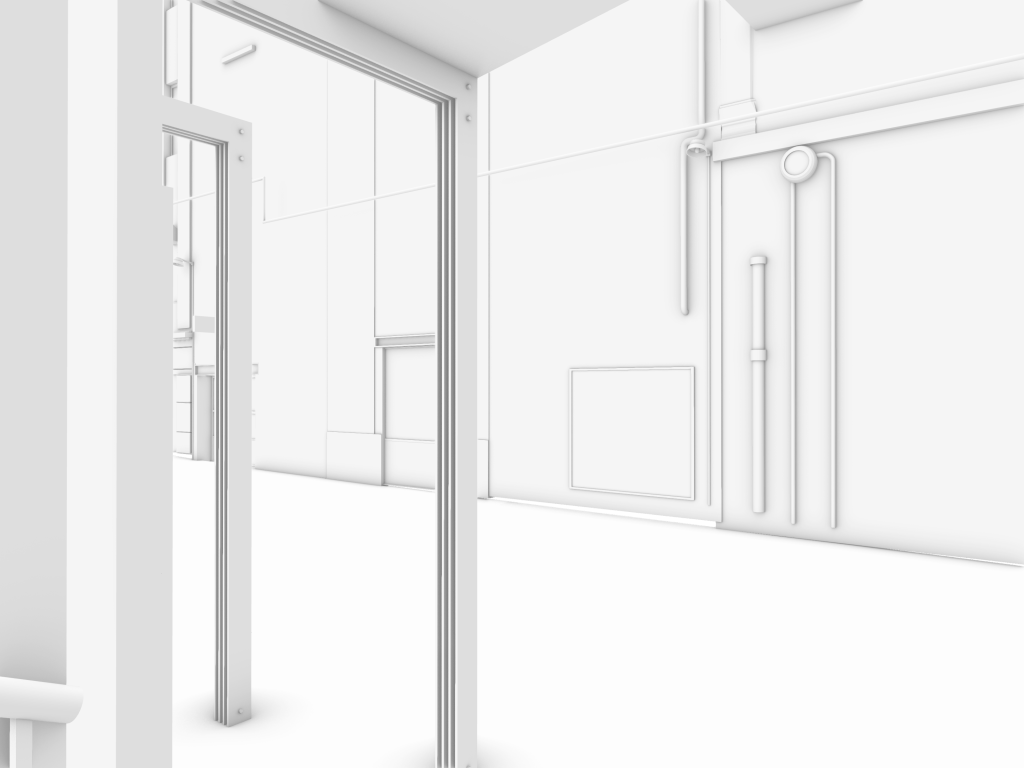
Rhino render
 Spatial Design
Leave a comment